Desk booking and scheduling across several offices
One account for every office, with its own people, spaces, Groups and reporting.
No card, no contract, nothing to install. Tell us how many sites you have and we will set them up with you.

Multi-location desk booking and office spaces in one account
Locations organise your people and your spaces office by office, and let people book the spaces in each one.

Cross-location desk and space booking
People book desks, meeting rooms, parking spaces, lockers and any other space you have created, at any of the offices on your account, for the day they are working from that site.

Capacity for each office
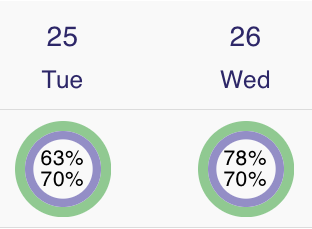
If there is more demand than space, set a capacity for each office. Count it in desks or in people, as a number or as a percentage, and the gauge on each day shows how full that office is.
Publish a schedule for each office
Publish an office schedule and everyone in the company can see it. People filter the schedule to an office to see who is working there that day.

Groups inside an office
Within each office, create Groups for the teams or departments who work together and add people to them. A Group can have its own admin, usually its manager or department head.
Reporting per office
Report on office use, the busiest days and capacity for one office at a time, and export the numbers as a CSV file for a spreadsheet or a board pack.

Spaces that belong to one office
Create desks, offices, co-working spaces, meeting rooms, areas, parking spaces, lockers and pet spaces for a single office, bookable by the day, the half day or the hour.

See where colleagues are
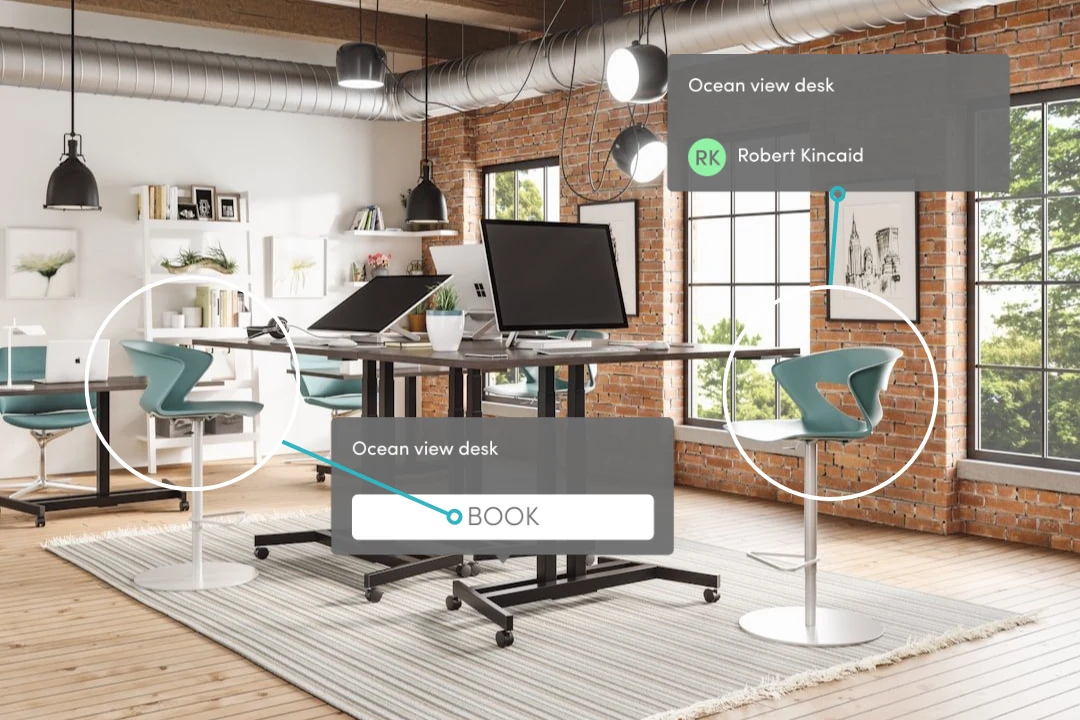
See the live state of the desks, offices and other spaces at each of your sites, with the initials of the colleagues who have booked them.

A reception for every site
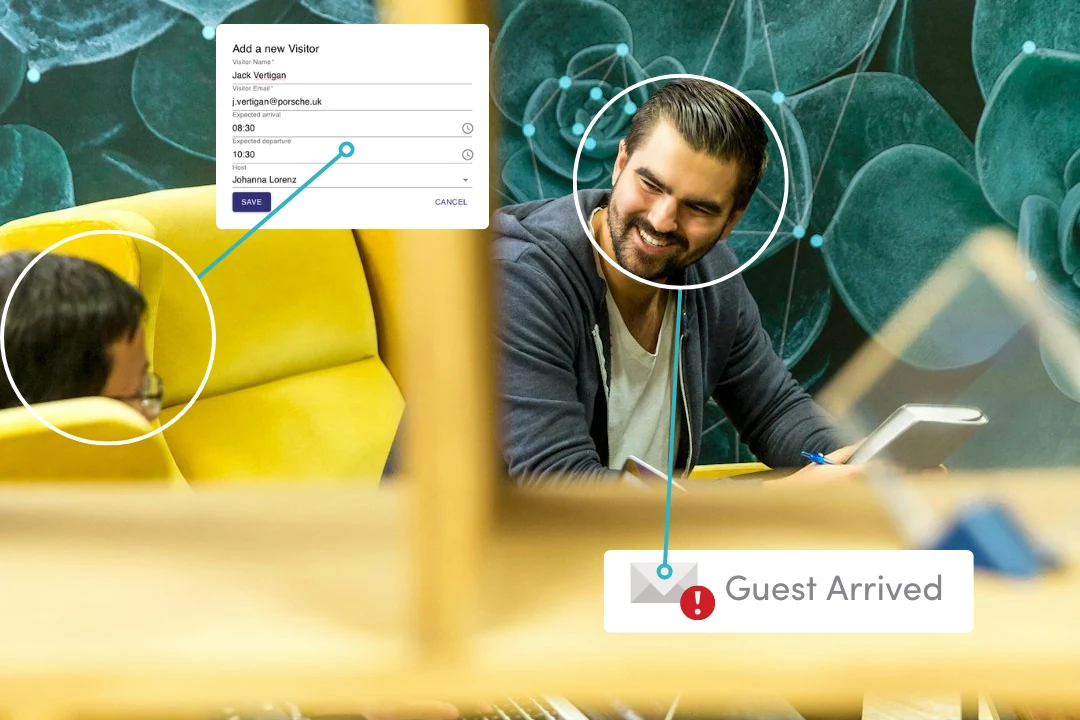
Run a kiosk on a screen in reception, or print the QR code poster for the entrance. Either way the host is emailed the moment their visitor arrives, at whichever office that is.
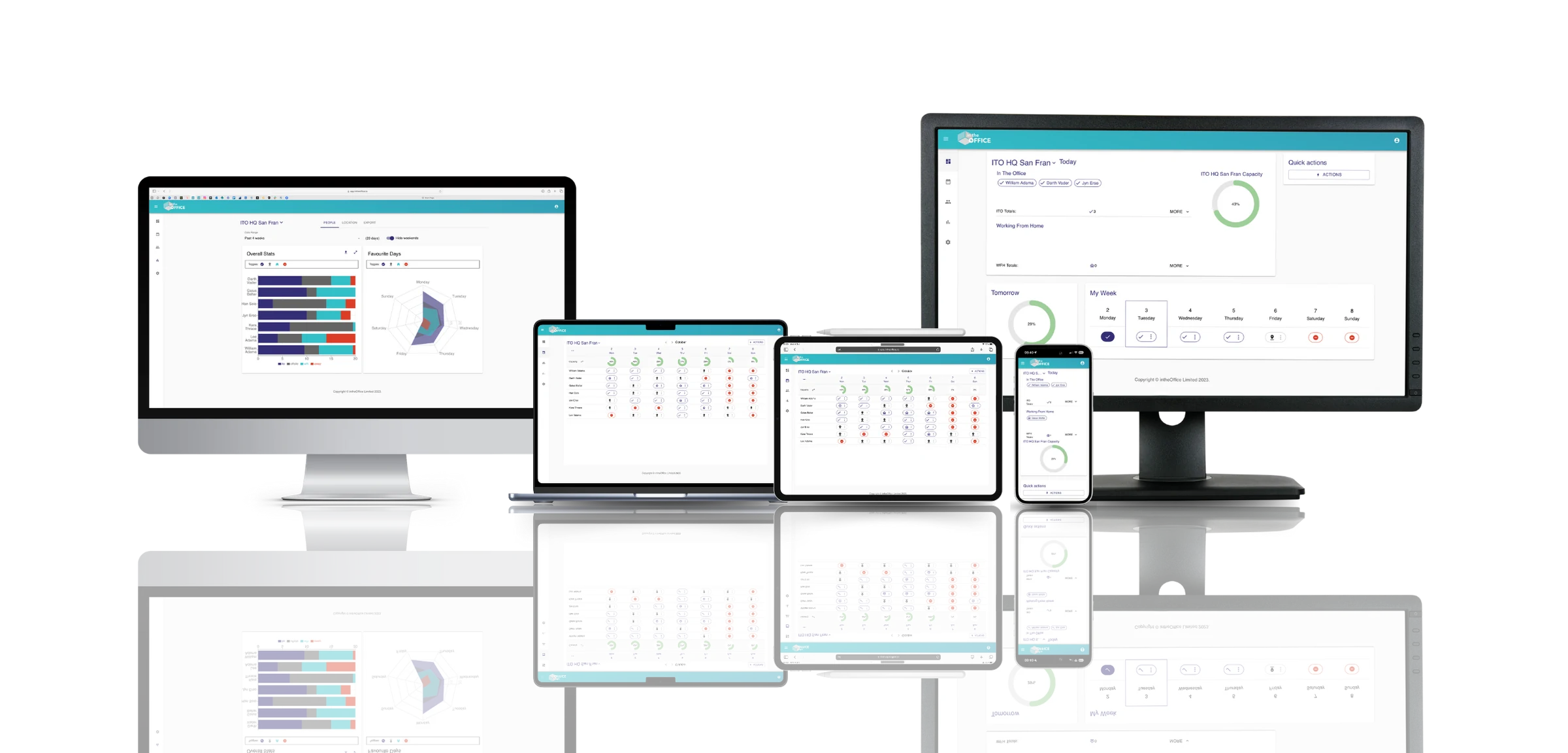
Available across all your devices
More products from intheOffice
No card, no contract, nothing to install. Tell us how many sites you have and we will set them up with you.