Cross Location Booking
Book a space in any of your offices, not only the one you are assigned to.
New feature, for Premium subscribers. Bookings used to stop at the office your administrator put you in. Desks, offices, meeting rooms, parking spaces and pet spaces are now bookable anywhere in your instance, from the Dashboard or the Schedule page.

Cross Location Booking in detail
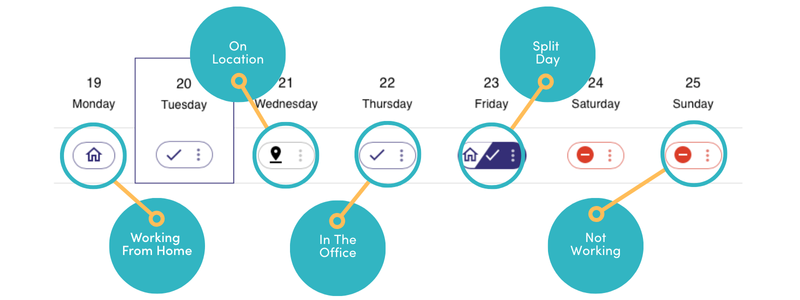
On location status
Open the Spaces window from the three dots beside your status, on the Dashboard or on the Schedule page. Someone working from another of your offices shows as Offsite, with that office named.

Plan view
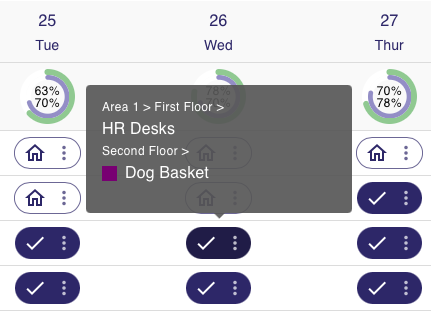
The Plan view shows every space that can be booked for a whole day in the location you have chosen, and how many places are left in each.
Select the location
The dropdown lists every location configured in your instance. A space created in one of them is bookable from every other the moment it exists.
Schedule view
The Schedule view shows the spaces in the chosen location that are booked by the hour, and the times each one is still open.
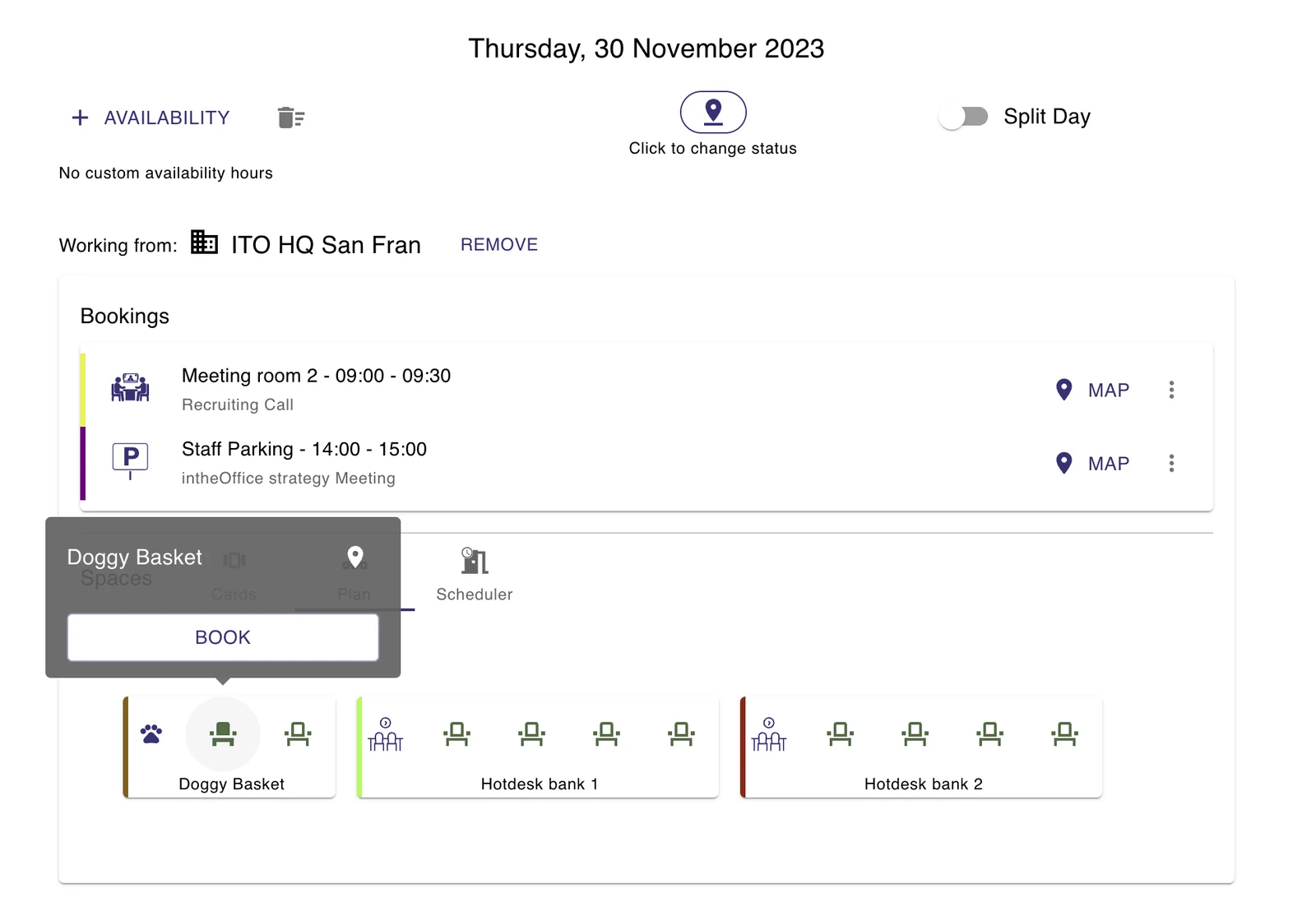
Cards view
Once a location is chosen, the booking options appear as cards. Scroll left and right to see all of them.
More support from intheOffice
- Software updates
What has changed in intheOffice, newest first.
- Help videos
Short videos of the app, page by page, from the dashboard to reporting.
- Articles
Writing on hybrid working, desk booking and running an office people come back to.
- User guide
The online guide for everyone using intheOffice.
- Admin guide
The online guide for administrators: people, spaces, locations and settings.
- User guide (PDF)
Basic navigation, as a 14-page PDF from June 2024.