Day View
One day on one screen, for the people running it and the people in it.
New feature, for Premium subscribers. Day View has three parts: the Space Plan, the Scheduler and the Day Report. Take in every space that books by the hour at a glance, then book the meeting room you need from the plan or the Scheduler, at the time you need it.
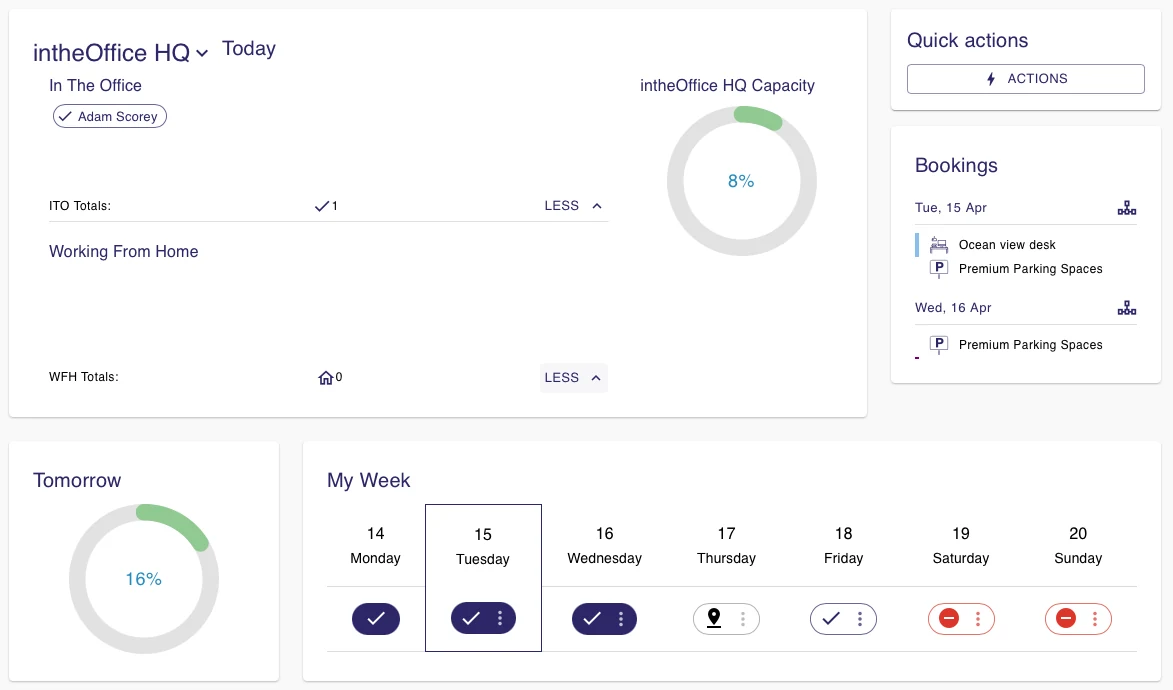
Day View in detail
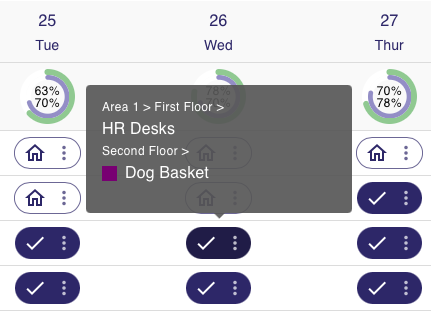
Space Plan
Choose Day on the Schedule page and every space and desk is on the plan, ready to book if your status for that day is In the office. The green circles carry the initials of the colleagues already booked, so you can see who else is in before you pick a seat.

Scheduler
Every space in the location that can be booked by the hour, with the times each one is taken. Create a booking on a room and a window opens for the time range, the meeting title, the host and the number of seats.
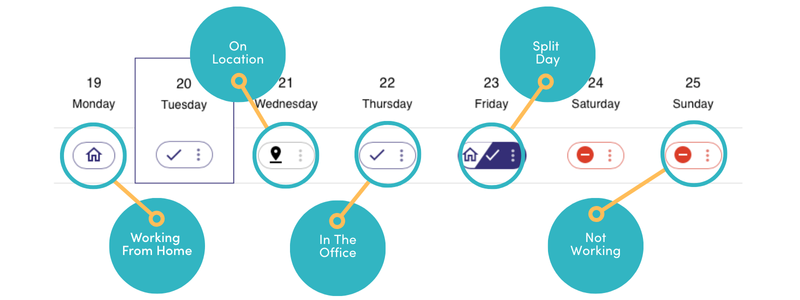
Day Report
A summary of the chosen location for that day: how many people are In the office, Working from home, Offsite and Away.
More support from intheOffice
- Software updates
What has changed in intheOffice, newest first.
- Help videos
Short videos of the app, page by page, from the dashboard to reporting.
- Articles
Writing on hybrid working, desk booking and running an office people come back to.
- User guide
The online guide for everyone using intheOffice.
- Admin guide
The online guide for administrators: people, spaces, locations and settings.
- User guide (PDF)
Basic navigation, as a 14-page PDF from June 2024.