Multiweek View
Plan several weeks at once, and see the pattern rather than the week.
New feature, for Premium subscribers, and part of Advanced Scheduling. Customers asked for it: a team that works two days at home and three in the office one week and turns that round the next cannot see its own pattern in a single week.
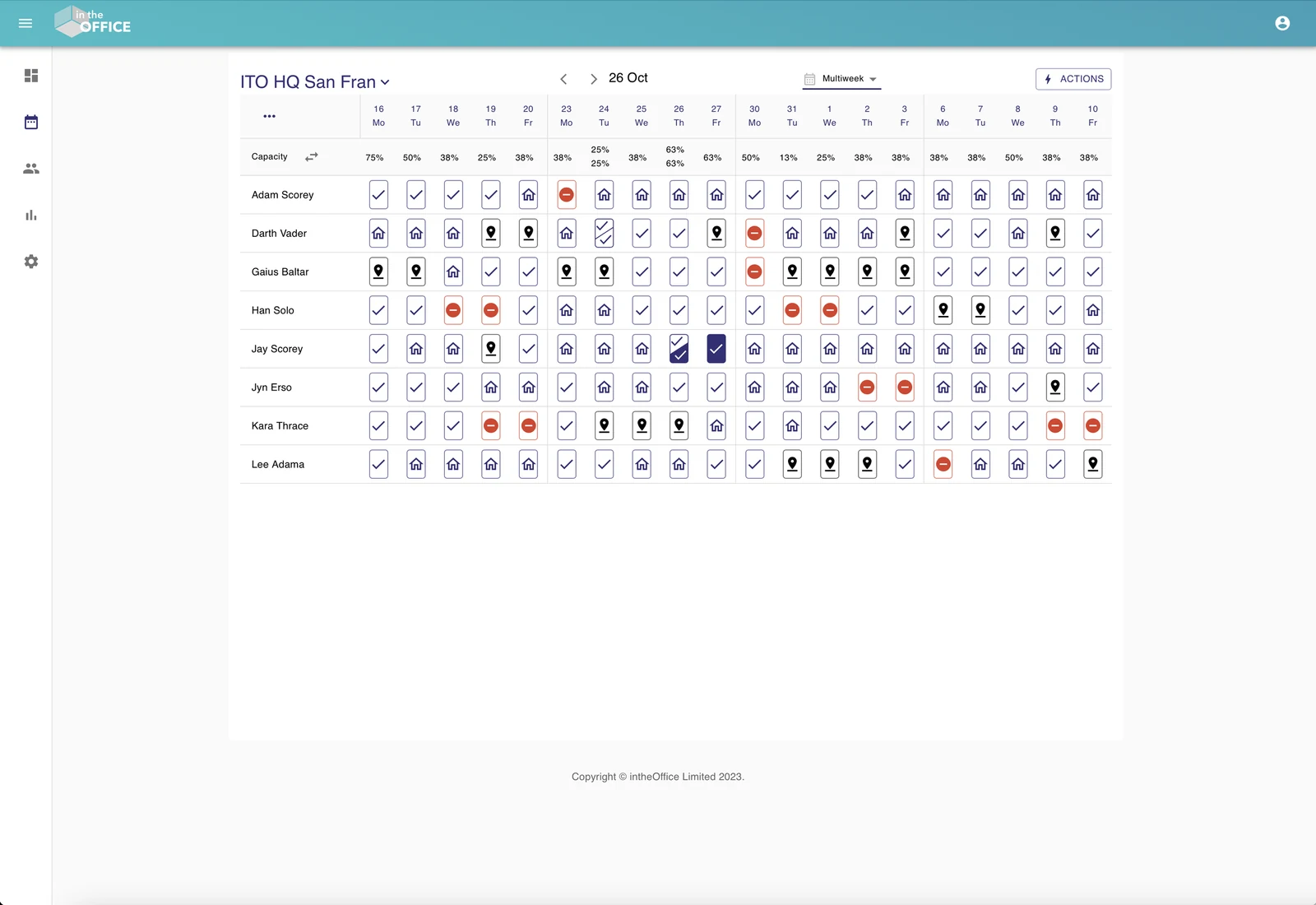
Four views, one dropdown
The Schedule page carries a dropdown for the view you want: Day, Week and Multiweek, plus the option to hide weekends for offices that have no use for them.
The views in detail
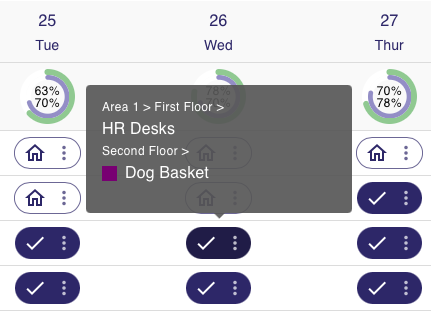
Day view
Book a space or a desk next to the team you need to work with that day, or next to the people you simply like working with.
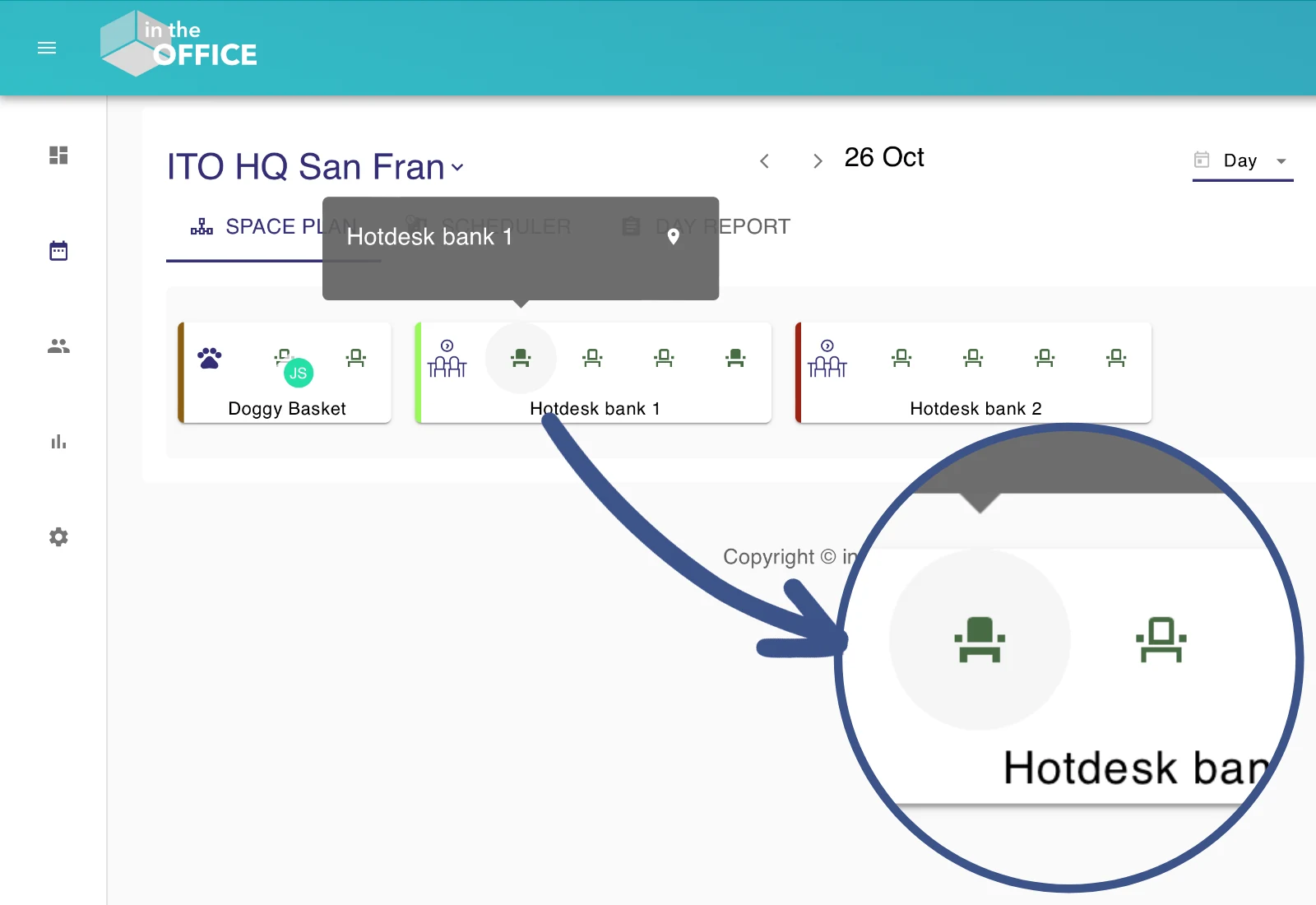
Booking and reviewing in Day view
Icons stand for the spaces and desks still available. Anyone whose status for the day is In the office can book from here; every other status can look but not book.
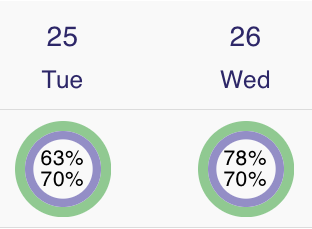
Week view
Read the team's week in one pass: the status on each day, how full the office will be, and the controls to change a status, split a day or book a room or a seat.
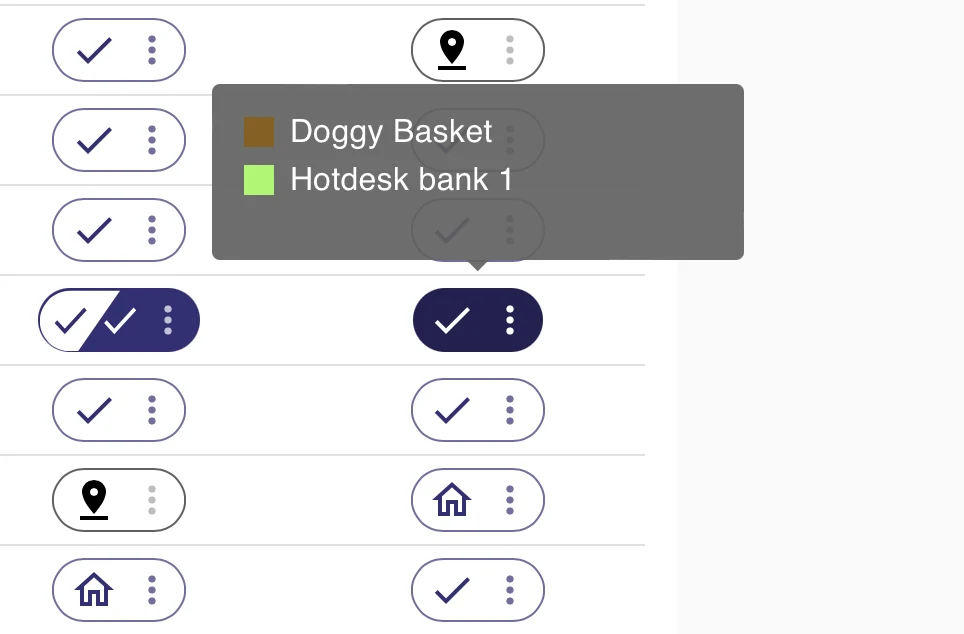
Booking and reviewing in Week view
Everything the day offers, from the week. Change a status, or open the Spaces window from the three dots and book a space or a desk.
Multiweek view
Several weeks at once, so you can pick the days worth coming in for over a longer stretch, or find the days the office is quiet.
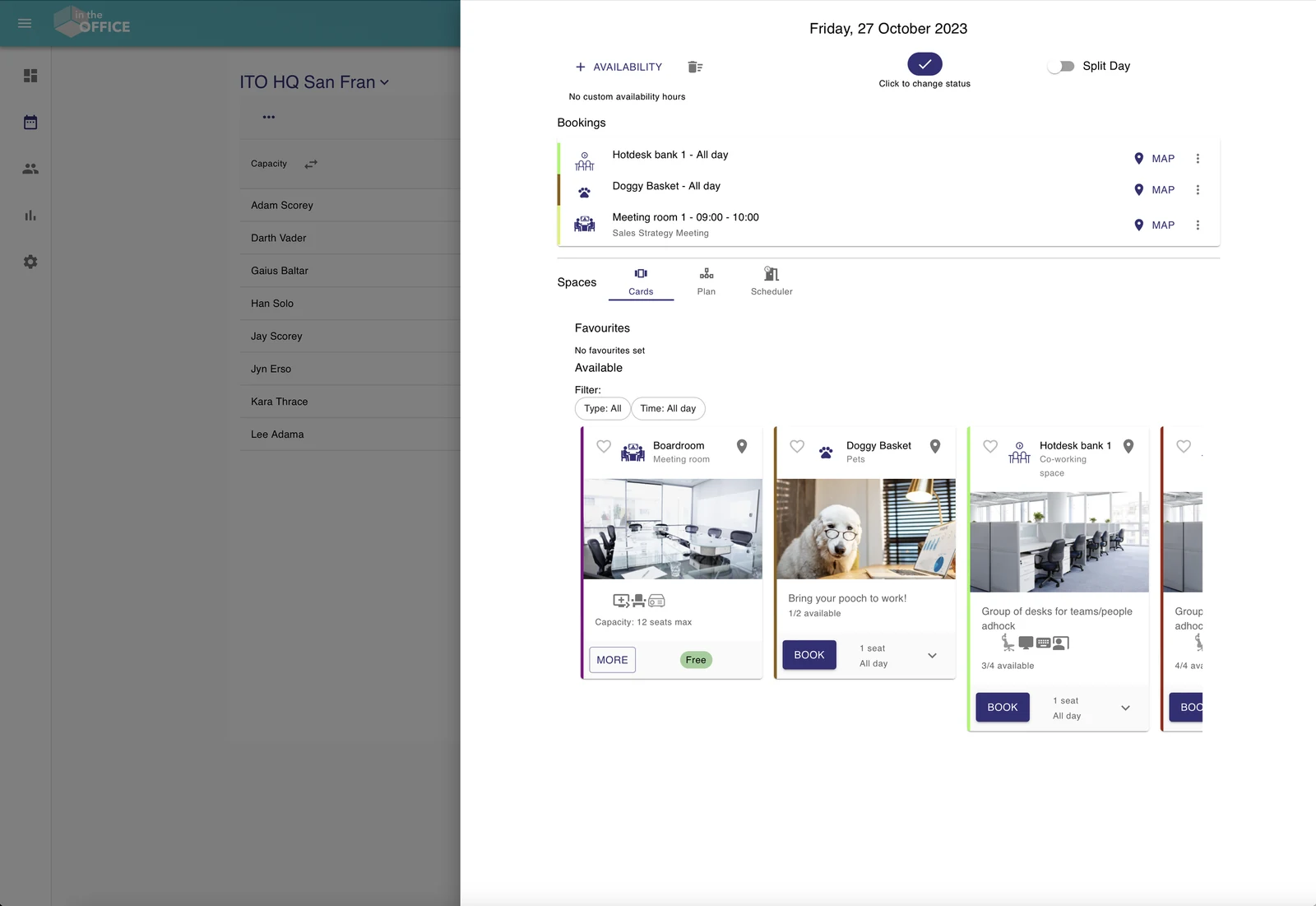
Booking and reviewing in Multiweek view
Booking works as it does in the week: set a status, or open the Spaces window from the status icon and reserve a space or a desk.
More support from intheOffice
- Software updates
What has changed in intheOffice, newest first.
- Help videos
Short videos of the app, page by page, from the dashboard to reporting.
- Articles
Writing on hybrid working, desk booking and running an office people come back to.
- User guide
The online guide for everyone using intheOffice.
- Admin guide
The online guide for administrators: people, spaces, locations and settings.
- User guide (PDF)
Basic navigation, as a 14-page PDF from June 2024.